
In today’s digital environment, websites must be both easy to use and accessible to everyone. Usability focuses on how easily users can navigate and interact with a website, while accessibility ensures that people with disabilities can access and understand online content. Together, these two concepts are essential for creating effective websites that provide positive user experiences and inclusive digital spaces.
For businesses and marketers, understanding usability and accessibility is important not only for improving user satisfaction but also for increasing reach, enhancing search engine optimization (SEO), and meeting ethical and legal standards. This blog explores the differences between usability and accessibility, why they matter, and practical ways to improve both.
What Is Usability?
Usability refers to how easy and efficient it is for users to interact with a website. It focuses on how quickly users can learn to use a site, find information, and complete tasks. Websites with strong usability are intuitive, organized, and user-friendly.
Key elements of usability include learnability, efficiency, memorability, error prevention, and user satisfaction. According to Nielsen Norman Group, usability plays a critical role in how users perceive and interact with digital products.
Examples of usability features include:
Clear and logical navigation menus
Simple page layouts
Fast loading times
Readable fonts and structured content
Mobile-friendly design
What Is Accessibility?
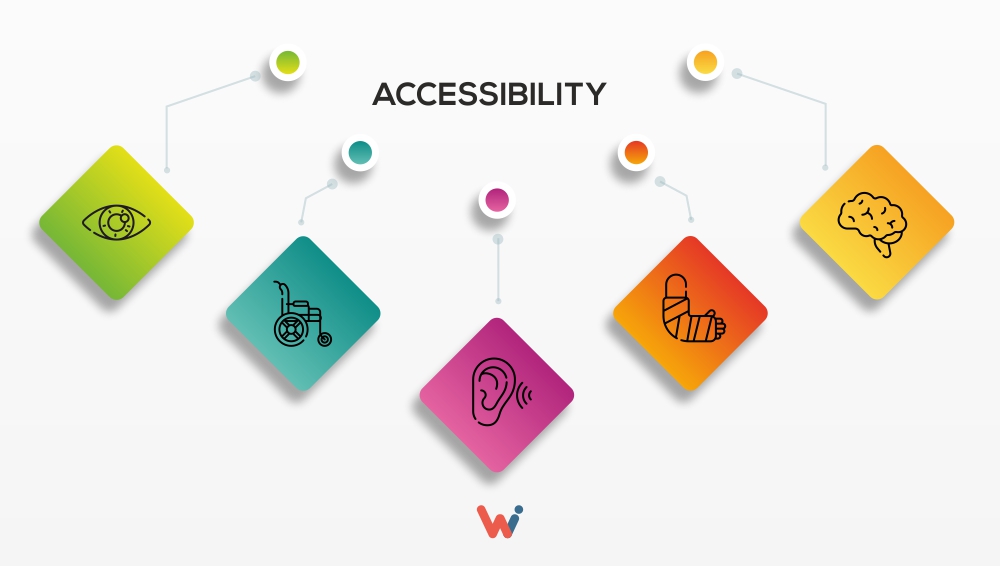
Accessibility involves designing websites so that people with disabilities can use them effectively. This includes individuals with visual, auditory, physical, cognitive, and neurological impairments. The World Wide Web Consortium (W3C) explains that web accessibility ensures users can perceive, understand, navigate, and interact with web content regardless of ability.
Accessibility benefits not only people with disabilities but also older adults, mobile users, and individuals with temporary limitations. Standards such as the Web Content Accessibility Guidelines (WCAG) provide best practices for making digital content accessible.
Examples of accessibility features include:
Alternative text (alt text) for images
Keyboard navigation
Captions and transcripts for videos
High color contrast for readability
Clear and simple language
Why Usability and Accessibility Matter
- Improved User Experience
When websites are usable and accessible, users can easily find information and complete tasks, leading to greater satisfaction and engagement. - Expanded Audience Reach
More than one billion people worldwide live with some form of disability, making accessibility essential for reaching a broader audience. - Better SEO Performance
Search engines favor websites that are well-structured, accessible, and easy to navigate. Features such as descriptive alt text, clear headings, and organized content improve both accessibility and search rankings. - Ethical and Legal Responsibility
Many countries require websites to meet accessibility standards. Beyond legal
compliance, accessible design promotes inclusivity and fairness in digital environments. - Practical Tips to Improve Usability and Accessibility
- Use clear and consistent navigation to help users find information quickly.
- Write simple, readable content with headings and short paragraphs.
- Add descriptive alt text to all images.
Example alt text:
“Designer using a digital tablet and color palette to create accessible web design.” - Ensure your website is mobile-responsive.
- Follow WCAG guidelines when designing and updating content.
- Conduct usability testing to identify and fix user experience issues.
Conclusion
Usability and accessibility are essential elements of effective web design. While usability focuses on making websites easy to use, accessibility ensures that everyone can access digital content regardless of ability. By combining both approaches, businesses can create inclusive, user-friendly websites that improve user experience and digital performance.
Prioritizing usability and accessibility not only strengthen website design but also enhances brand credibility and expands audience reach. As digital experiences continue to evolve, these principles will remain fundamental to successful online communication and marketing.
Usability and accessibility are not optional; they are essential for creating successful websites. Start improving your website today by applying usability and accessibility best practices. Small changes, such as clearer navigation and better alt text, can make a big difference in user experience and inclusivity.
Sources:
Nielsen Norman Group – Usability Overview
https://www.nngroup.com/articles/usability-101-introduction-to-usability/
W3C – Introduction to Web Accessibility
https://www.w3.org/WAI/fundamentals/accessibility-intro/